Stop Searching Email for Your SOGs. Here's What Organized Actually Looks Like.
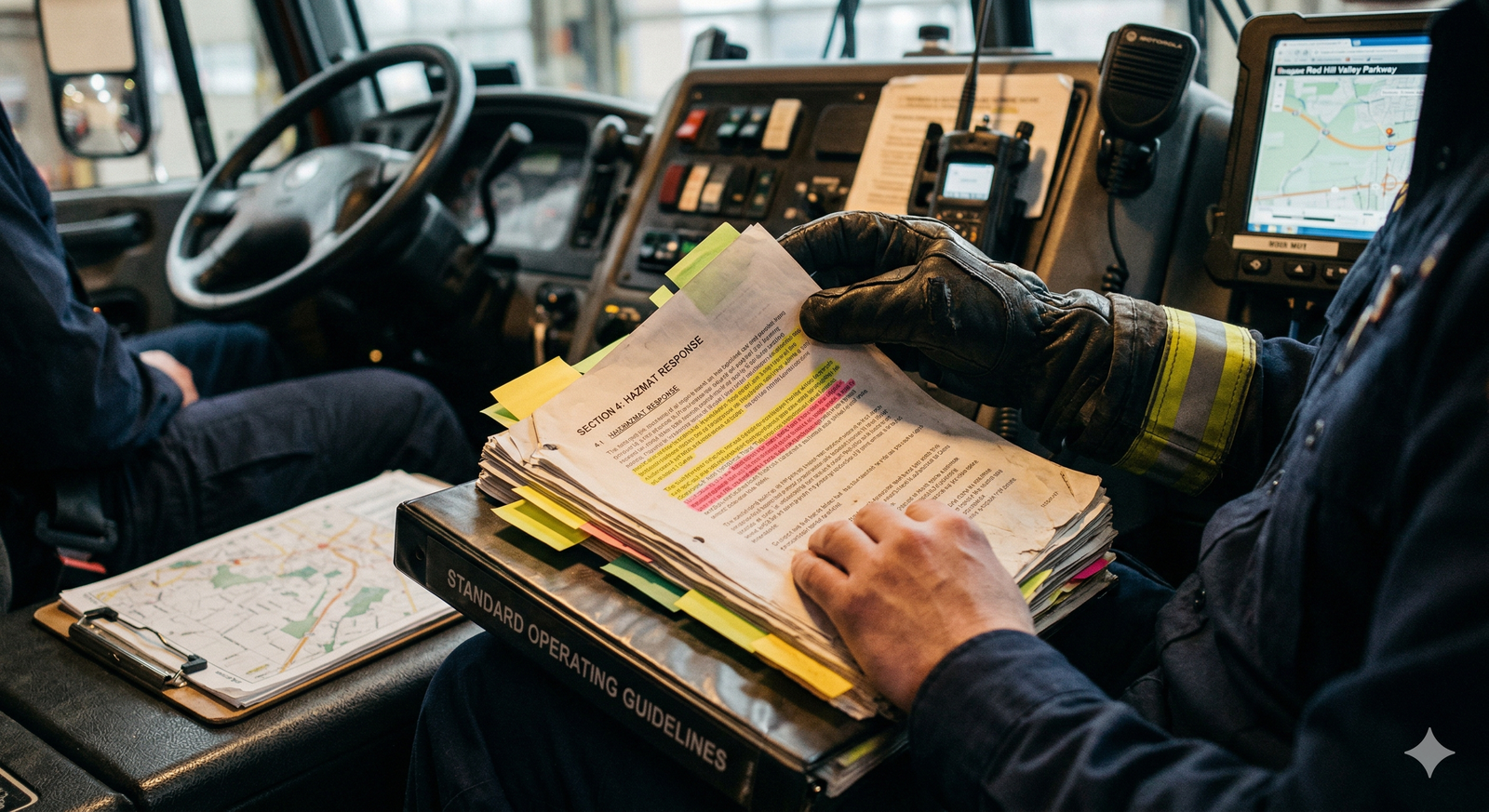
Ask a fire chief where the critical SOG lives, and often you'll get an honest answer: "Probably on someone's computer. Maybe the shared drive. There's definitely a version in email." Ask them when it was last updated and who approved the changes, and the conversation usually stops. This isn't because fire chiefs don't care about documentation. It's because managing dozens of SOGs, operational plans, training materials, incident action plans, and policy documents across a team of 30 or 300 people, where documents live in filing cabinets, email folders, personal drives, and someone's desk, is organizationally impossible without a dedicated system.
When you need a specific SOG during an incident, you don't have time to hunt. When you're training a new recruit, you shouldn't have to ask three people which version of the vehicle extrication procedure is current. When council asks how your procedures compare to provincial standards, you shouldn't have to shuffle through files.
This feature was built because fire chiefs directly asked for it.
Why Existing Approaches Fall Short
Spreadsheet-based document tracking doesn't scale. Email-based distribution means nobody knows which version someone's actually using. Shared drives create chaos: multiple versions, no clear ownership, no audit trail, no easy way to know what changed or why. General-purpose cloud file storage is better than nothing, but it're not built for the specific workflow of emergency agencies. You still can't easily search across all your documents, version control is manual, and there's no way to tie a document to approvals, review schedules, or associated training.
When you need to update a document, you have no clear visibility into who's actually using the old version. When you conduct a training session, you can't easily pull the materials associated with that skill. When accreditation auditors ask to see your SOGs, you end up emailing them a folder full of files instead of giving them a clean list.
What It Looks Like in Practice
It's Thursday morning, and a training officer at a mid-sized fire agency is preparing a hazmat response drill. She logs into her agency's Document Management System and searches for "hazmat." Immediately, she sees every hazmat-related document: the SOG, the equipment checklist, the decontamination procedure, the mutual aid contact list for specialized response. All current versions. All tagged with review dates. All linked to the training record for the drill she's about to run.
She creates a training package that pulls materials from multiple documents, assigns it to her crew, and after the training, notes which documents were referenced and whether anyone flagged issues. Three months later, when it's time to review the hazmat SOG, she pulls up the review history and sees that three people flagged the decontamination timeout, including dates and notes. She updates the procedure, the system logs the change, and the document gets a new approval date that everyone can see.
A week earlier, an incident commander was updating the mutual aid SOG. She searched for "mutual aid" and found five related documents: the SOG itself, contact lists, response procedures, resource agreements with three other agencies, and the radio protocol document. She could see which documents referenced each other, who owned each document, when each was last reviewed, and who had access to each version.
No more searching email. No more guessing which version is current. No more wondering if someone's actually using the procedure you updated three months ago.
What This Means for Your Agency
For training officers and standard keepers: you have a system where documents live, where you can track which procedures are being actively used, and where you can see what people are flagging for updates.
For incident commanders: during an incident, you can quickly pull any procedure, mutual aid contact, or reference document. During planning, you can see which documents are related, reducing the risk of missing a coordinated update.
For fire chiefs and emergency managers: you have visibility into your documentation landscape. You know what's current, who owns what, when things need review, and whether your field personnel are actually using the procedures you've written.
For accreditation and compliance: when an auditor asks to see your SOGs, your training records, or your review history, you can pull a complete, organized audit trail in minutes.
"A procedure people can't find is worse than no procedure at all. An organized document system is infrastructure, not luxury."
See HazReady on your jurisdiction
Every agency has its own procedures, hazards, and mutual aid picture. The quickest way to tell whether this fits yours is to see it working against your own material rather than a generic demo. Book a walkthrough for your agency.